Marketing
Building a Short-Term Rental Website: An Owner's Guide
By Jillian Mood8 min read
Airbnb gives your home a page. It is a good page, and it is a rented one: Airbnb chooses the layout, writes the rules and decides which other homes appear beside yours. A website of your own is the one address on the internet where the house gets to be itself, at full length.
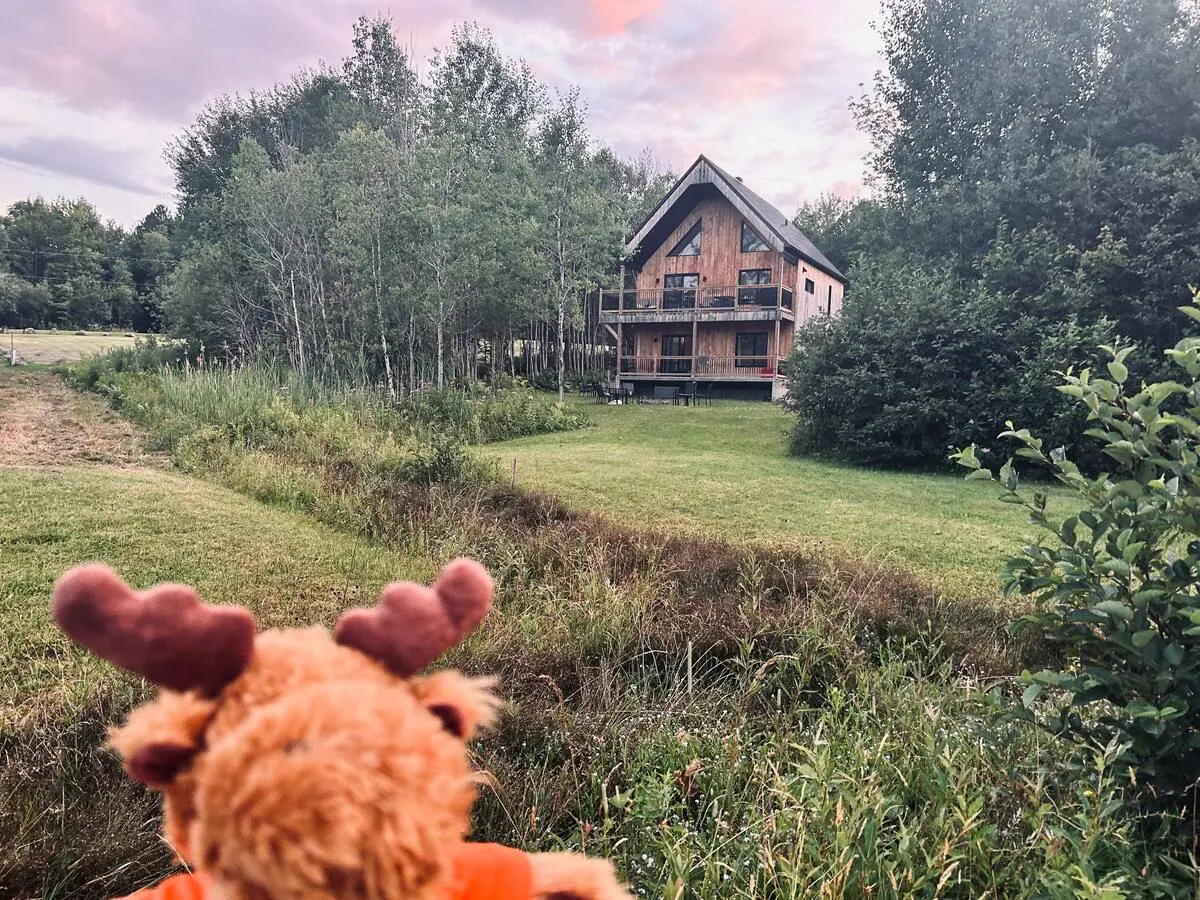
In September 2026, Mood en Scène built one for the Southborough home I manage: southboroughgardenretreat.com. It is days old as I write this. There are no traffic or booking numbers to show you yet, and I am not going to dress that up. What I can give you is the method, piece by piece, so you can judge it for your own home.
Why have a website when Airbnb exists?
First, nobody here is leaving Airbnb. The Southborough home is a Guest Favorite there, and I intend to keep it that way. A website sits beside the platforms. It does four jobs they cannot do for you.
The relationship is yours
Airbnb's off-platform policy is clear: hosts may not ask guests for an email address, put outside links in listings or messages, or encourage anyone to move "current, future, or repeat bookings" away from Airbnb. I follow that to the letter, and you should too.
Plenty of people meet a house some other way, though. A cousin forwards a photo. A company's office manager googles a place for an off-site. A wedding guest searches for somewhere near the venue that fits the whole family. When those people land on your own site and write to you, that conversation belongs to you and to them.
Direct can be the best price for everyone
Airbnb's help center explains its service fees. Under the single-fee structure, which it says is mandatory for hosts who use property management software, "most hosts pay 15.5%", taken out of the payout. A direct booking has costs as well (card processing, the software subscription), so I will not hand you a magic savings figure. Do the arithmetic for your own home. There may well be room for a returning guest to pay a little less while the owner keeps a little more.
The story needs room
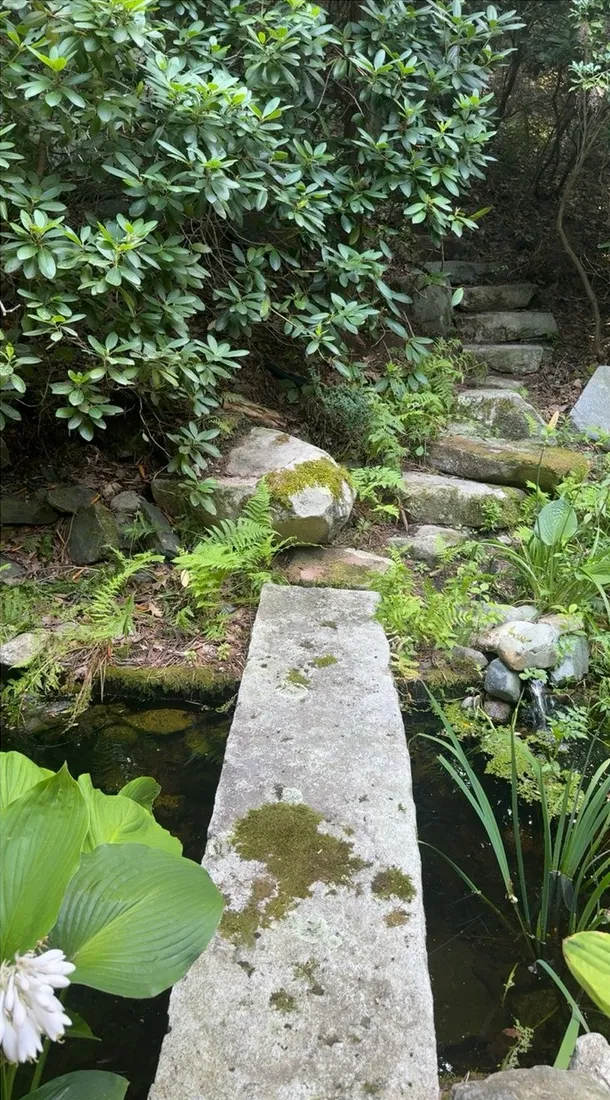
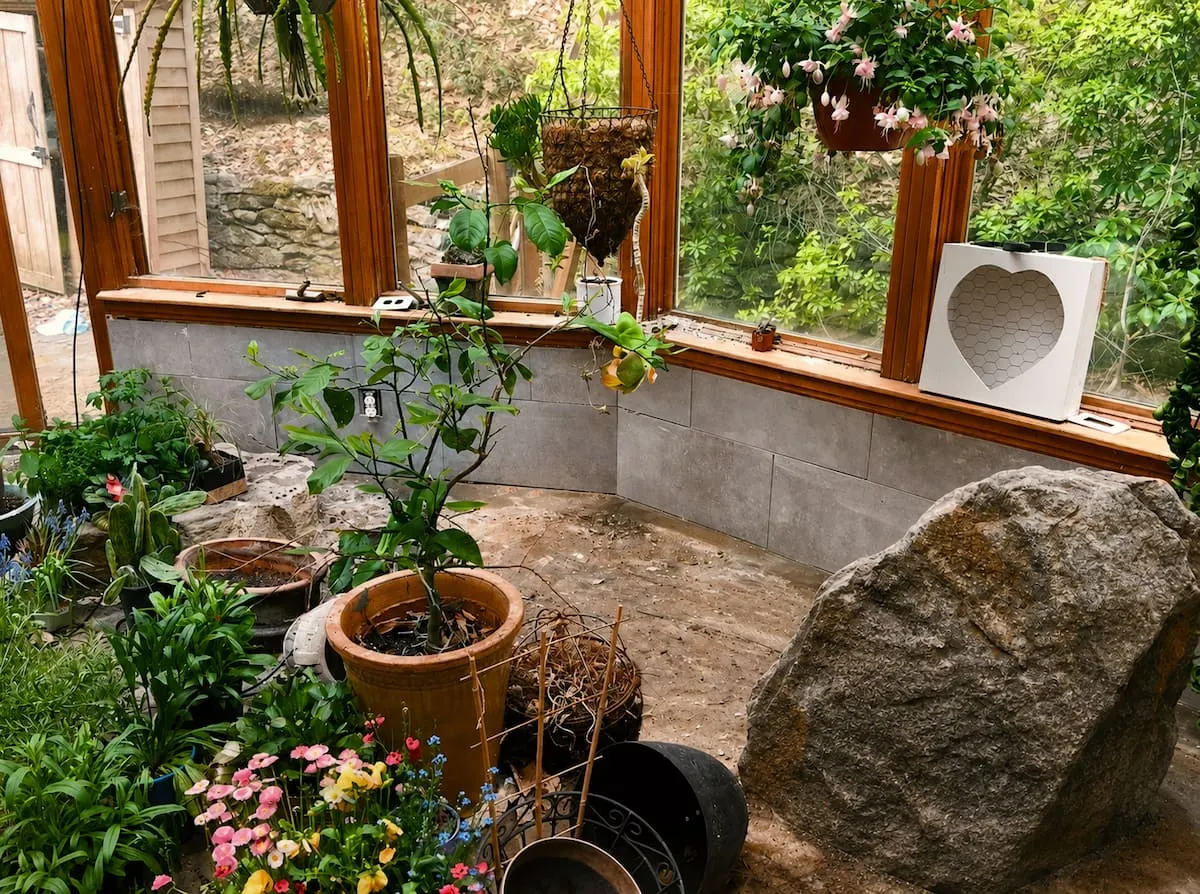
A listing has character limits and a fixed shape. A library of more than 1,000 books, a glass conservatory that doubles as a meditation room and garden paths inspired by Japanese design all deserve more than a bullet point. So does anything that is not an overnight stay at all. The Southborough home welcomes day retreats, corporate off-sites and showers by arrangement. Airbnb has no tidy box for that. The website has a whole Gatherings page.
A second door
Platforms adjust their fees, their search results and their policies, which is their right. A website, plus the guests who know where to find it, means one company's change on a Tuesday does not rearrange your whole year.
What goes on the site
Here is what we put on the Southborough site, and why.
A home page that sells the feeling. It uses the owners' real photographs and nothing else. No stock images, ever. The only question a visitor is asking at that point is whether they can picture their own people there. I wrote about how I approach photography for that in photography that sells the feeling.
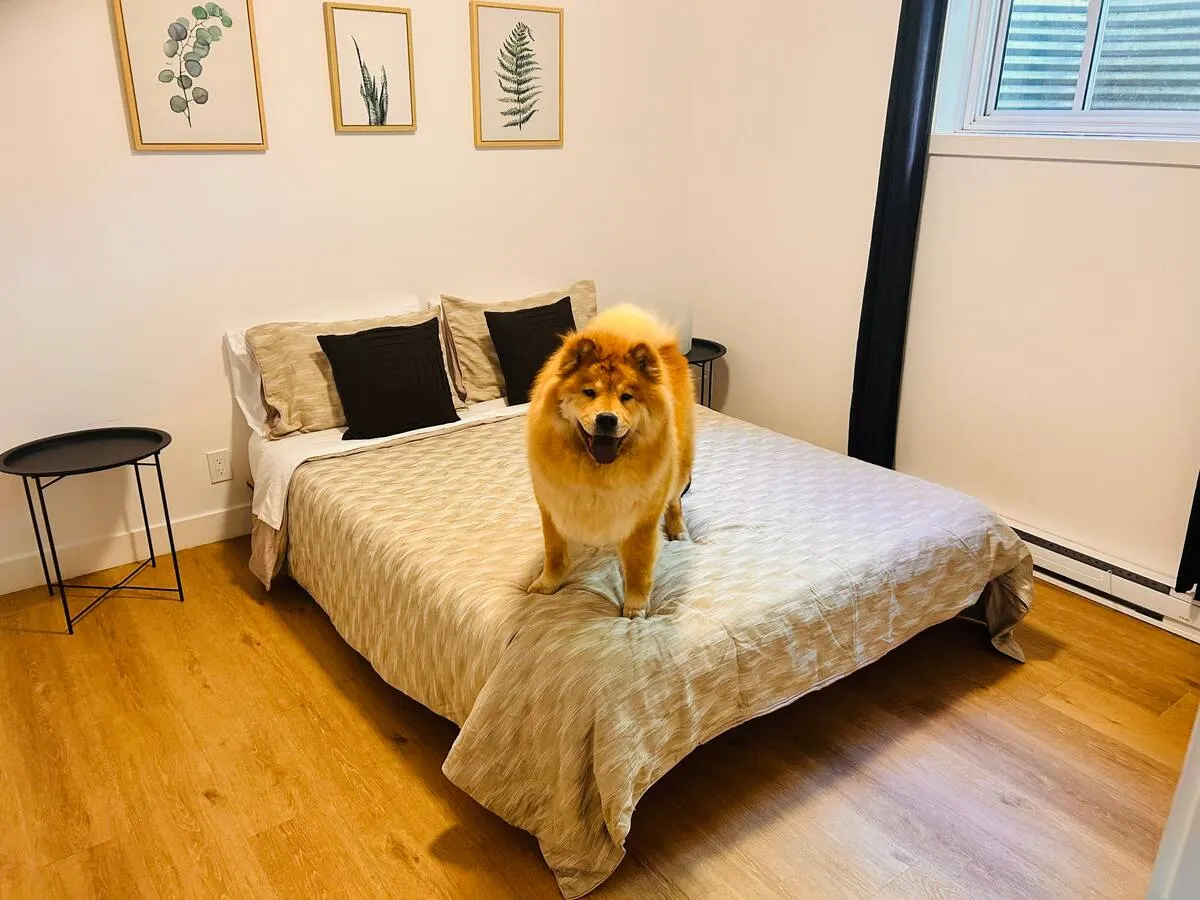
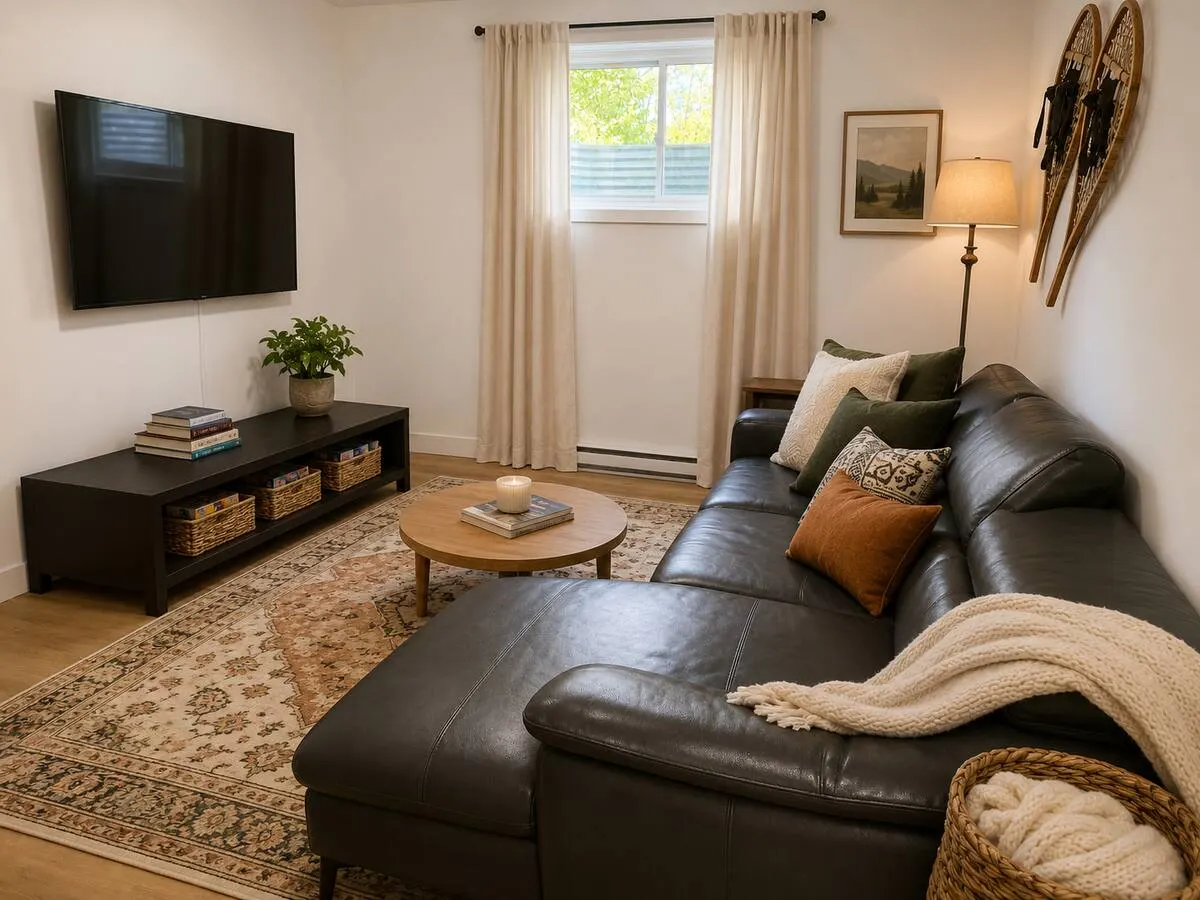
The facts, stated plainly. Four bedrooms. Sleeps 14 comfortably. About 30 minutes from downtown Boston. A dining table that seats 12. People skim, and as you will see below, so do machines.
Availability and prices, right there. This is the piece I would fight for. On the Southborough site, a guest picks dates on a live calendar and sees an itemised price, with any discount and the cleaning fee spelled out. No "contact us for rates". A person planning for 14 has six other tabs open and will not wait for an email.
One obvious next step. The button says "Request to book direct". It hands the guest to a secure checkout with their dates already filled in, through a short branded link, book.southboroughgardenretreat.com. Direct bookings arrive as requests that the host confirms personally, which suits a private home.
The Airbnb and Vrbo buttons, right beside it. I keep them on purpose. Some guests feel safer on a platform they already use, and a booking there is still a booking. Those buttons also let anyone check the reviews where they live: the 4.95 rating on Airbnb, which I describe in the Southborough case study.
A Gatherings page and an Area page. One for events by arrangement, one for what is nearby.
Local guides. Fifteen of them so far, from Boston Marathon weekend in Hopkinton to a garden lovers' weekend around Garden in the Woods and Tower Hill. More on why in a moment.
Privacy, deliberately. The site names the town and stops there. It is a private home, and a map pin can wait.
And one thing we left out: third-party trackers. Nothing on the site follows visitors around, so it needs no cookie banner either. Fonts and images are served from the site itself, which keeps pages quick.
A website for one house should feel like walking up to the house: the lights are on and someone is glad you came.
Connecting the calendars so nothing collides
The fear behind every new booking channel is the same: two families, one Saturday.
The free fix is sharing calendar links between platforms. It works, slowly. Airbnb says its calendar updates every 3 hours when it reads a connected calendar, and three hours is a long time on a busy Sunday evening.
A channel manager closes that window. It holds one master calendar and talks to each platform directly, so a booking on one closes the dates on the others. For Southborough there is one calendar across Airbnb, Vrbo and direct, managed in Lodgify. The website reads its availability and nightly prices from that same source, so the page and the platforms tell the same story. I cover the wider channel question in Beyond Airbnb.
Getting found on Google
You may have heard the term SEO, search engine optimization. In plain words: making your pages the best answer to what someone types into Google.
Nobody searches for your house by name before they know it exists. They search for their own problem: a place near Hopkinton for marathon weekend, a house for the whole family at graduation, somewhere quiet for a team off-site. That is why the Southborough site has guides written for exactly those trips, with every attraction checked and linked on its official site, real graduation dates, and honest advice, including when a hotel is the better choice.
Google's own SEO Starter Guide says that content people find "compelling and useful will likely influence your website's presence in search results more than any of the other suggestions" in it. The rest is housekeeping: a clear title and description for every page, photos that load fast, a sitemap. I go through all of it in SEO for short-term rentals.
Getting found by chatbots
Some trip planning now starts with a question to ChatGPT, Gemini, Claude, Perplexity or Copilot: "where should we stay near Boston with 12 people?" Back comes a short list. Some people call the work of earning a place on that list GEO, generative engine optimization.
The assistants read the web much as a careful researcher would. So we made the Southborough site easy to read. Every page arrives as finished HTML, which means a machine can read it without running any scripts. The facts are stated plainly, and we keep them identical to what the listings say. The home page also carries structured data, a small behind-the-scenes label describing the home as a lodging business, with its amenities and check-in times.
Does that guarantee a mention? No, and anyone who promises you one is overselling. Google's guidance on its AI features says there are no additional requirements to appear in them beyond ordinary good practice for search. So the strategy is the same one as above: say true, specific things in plain sight. I go deeper in how to get a rental discovered by ChatGPT.
The software underneath
You do not need a custom build to do most of this. Tools such as Lodgify bundle a website builder, a channel manager, a checkout and a shared inbox, and for many owners a template is plenty. I manage Airbnb, Vrbo, Booking.com and direct bookings through Lodgify. For Southborough we kept Lodgify for the calendar and the secure checkout, and built the pages ourselves on top of it, so the guides and the design could be entirely our own. My honest take, with a comparison against the alternatives, is in my Lodgify review.
How you will know it is working
Give it time. Google's Starter Guide says some changes show up within hours and others "could take several months". While you wait, watch a few honest numbers: how many people visit, which guides bring them, how many click the booking button, how many direct requests arrive. The metrics that matter explains how I read them together. You can measure all of this without cookies. We do on moodenscene.com.
For Southborough, it is simply too early for numbers. Ask me again after a full season.
Planning the pages, writing the guides, directing the photography and wiring up the calendar is work I do for owners, and the sites can be built in English and French.
Sources
- Airbnb Help Center, Off-Platform and Fee Transparency Policy: https://www.airbnb.com/help/article/2799
- Airbnb Help Center, Airbnb service fees: https://www.airbnb.com/help/article/1857
- Airbnb Help Center, calendar syncing: https://www.airbnb.com/help/article/99
- Google Search Central, SEO Starter Guide: https://developers.google.com/search/docs/fundamentals/seo-starter-guide
- Google Search Central, AI features and your website: https://developers.google.com/search/docs/appearance/ai-features

Want this done for your home?
Everything in this article is part of what Jillian does for the homes she hosts. Tell her about yours and she will tell you, honestly, what she would do with it.